Gate Upgrades
Gate Side Quests
The extras that finish a gate job and make it a pleasure to use every day.
Smart Access
See who's at the gate, talk to them, and let them in from your phone, wherever you are.
- DoorBird video intercom
- My main install, usually the D1101V. A stainless steel video intercom for the gate. Visitors press the button and you can see and talk to them in the DoorBird app, then open the gate from wherever you are. Customers love the app.
- PAL VPS video door station
- For gates with no internet. It runs on the mobile (cellular) network and has a monthly service fee. Visitors call you from its touchscreen, and you answer and open the gate in the PalGate app.
- Telecom Infrastructure
- A DoorBird needs an internet connection at the gate. I build the telecom infrastructure to get it there: a buried network cable, a wireless bridge from the house, or a combination of both.
Hands-free entry and exit
Drive up and the gate opens. No remote to hunt for.
- An in-ground loop vehicle detector that senses your car and opens the gate.
- A photo-eye beam across the driveway.
- A phone app paired with your smart access device.
Lighting
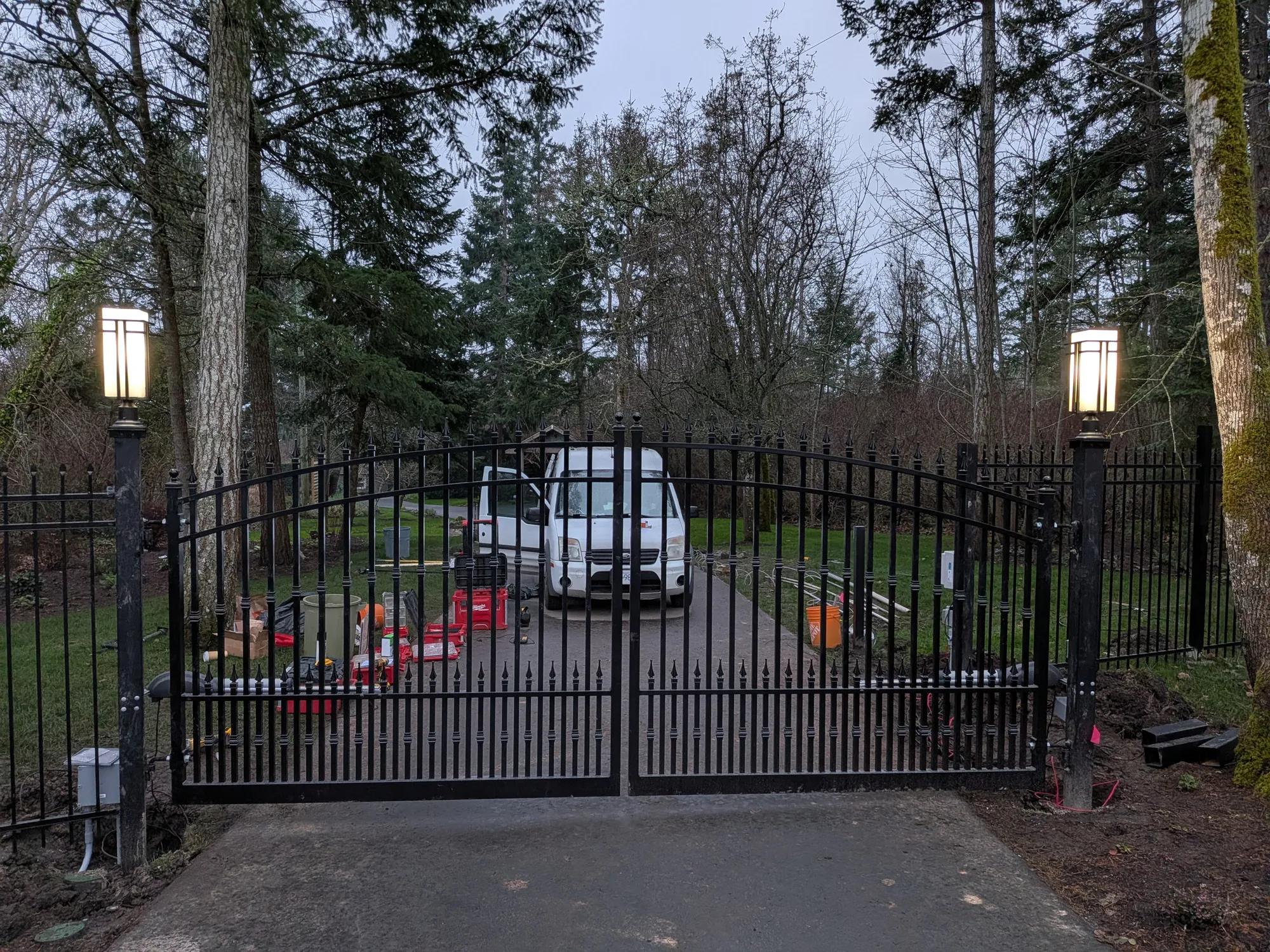
Lantern lights on top of the gate posts light up the entrance, make the gate easy to find at night, and finish the look.
Paver driveway crossings
When sensor or power cable has to cross an existing driveway, I cut in a neat paver band instead of leaving a patched trench. It looks deliberate and stays tidy for years.
Trenching for power
An automated gate needs power. I dig and prepare the trench to run power to the gate, and work with your electrician for the connection, or recommend a trusted one from my network.
Ready for a gate that opens on its own?
Tell me about your driveway. I'll come out, measure, and give you a clear, written quote.